A total server outage is rarely a sudden departure from healthy operation without detectable symptoms. Early symptoms may include steadily increasing storage usage, unpredictable memory usage, unsuccessful backups, or slower application responses.
When employees have plenty of work and IT teams are prioritizing urgent requests, several weeks may go by before anyone detects these symptoms.
An outage may be new to customers, but its underlying cause could have been developing much earlier. Businesses operating websites, databases, customer portals, and internal applications can avoid the escalation of minor technical problems into expensive disruptions by recognizing early symptoms.
The Risks of Reactive Server Maintenance
Picture an e-commerce business gearing up for its busiest weekend of sales. Despite the website appearing healthy, the server has a declining amount of available storage as application logs accumulate faster than anticipated.
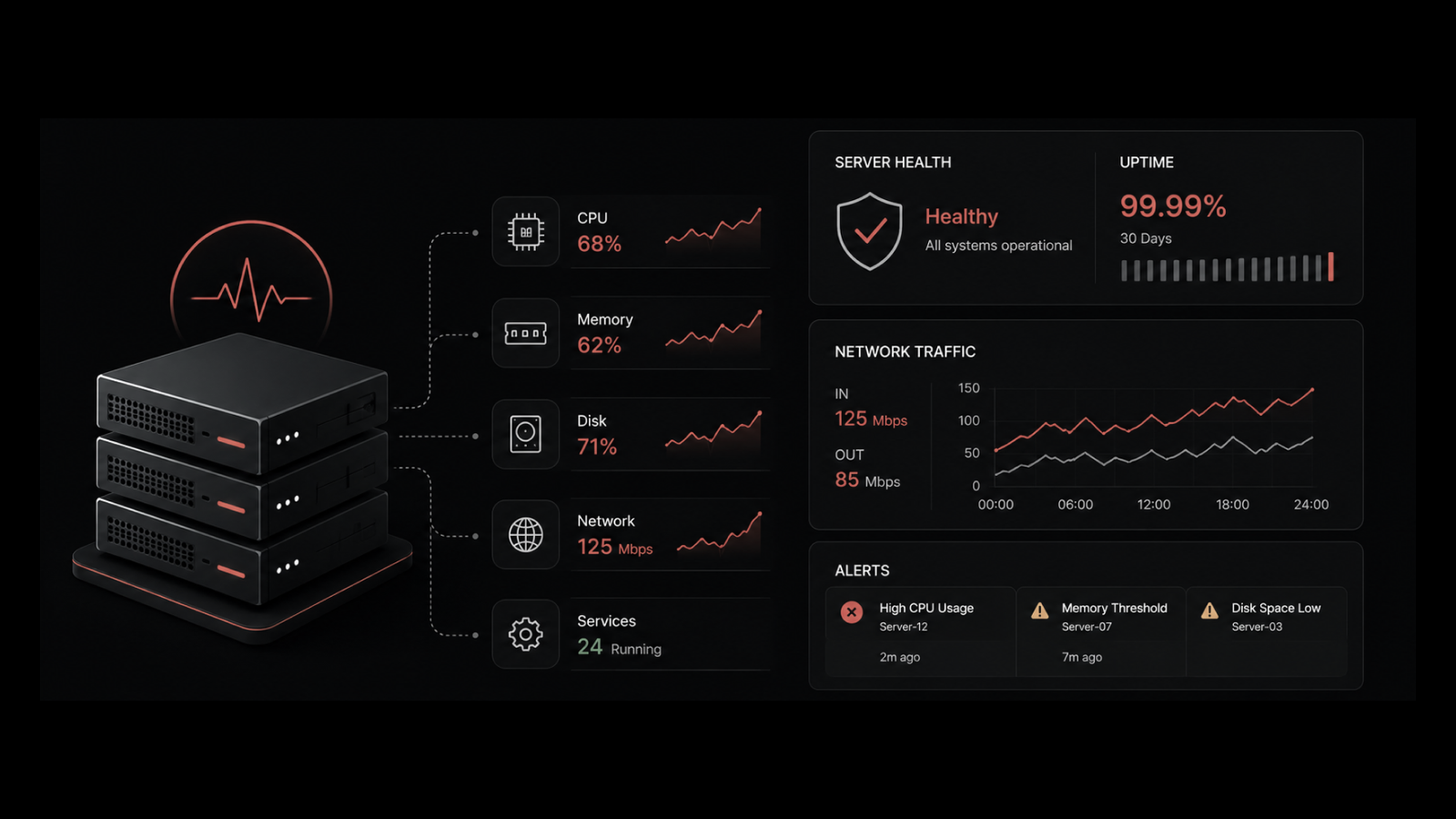
The danger of delaying action is that the server may reach its storage limit when traffic is particularly heavy. Through server monitoring services, administrators can identify increasing disk utilization, unusual resource usage, service interruptions, and network connection problems.
An issue is not resolved merely because monitoring has detected it. Appropriately configured thresholds must be supported by clear procedures for escalation and staff who can examine the underlying issue. Understanding the appropriate response is what makes a notification useful.
Looking Beyond Update Installation
Ongoing server maintenance encompasses databases, application services, control panels, and operating systems. Before installing security fixes, administrators should assess them and schedule appropriate maintenance periods. Configuration changes should be documented, and performance trends should be reviewed before resource capacity becomes an issue.
Reliable server management services bring these responsibilities together rather than treating them as unrelated technical tasks. Failing to verify application compatibility before installing an update can introduce new faults. Prior to making modifications that may interrupt operations, experienced administrators review dependencies, plan the changes, and establish recovery options. Backups deserve similar attention. Even if a backup reports success, data restoration is not necessarily assured. The effectiveness of recovery processes can be assessed through periodic restoration testing.
Why Server Administration Varies Across Environments
Supporting online retail on a dedicated server involves a different set of operating needs than a cloud-based development environment.
The approach to administration differs across Linux machines, Windows systems, hybrid infrastructure, and virtual private servers. Organizations considering server managed services should look for support that matches their operating systems, applications, security requirements, and expected workloads.
A company operating multiple cloud instances may need support in managing configuration consistency and resource utilization. Compatibility and controlled update processes may require additional care in an organization using older business software. A maintenance schedule suitable for one environment will not necessarily fit every other environment.
After the Notification: Taking the Right Action
Addressing an unavailable production service requires more than simply restarting the affected process. Technicians should focus on finding the immediate problem, restoring functionality if possible, and determining why the incident occurred.
From troubleshooting and configuration issues to performance problems, security maintenance, and ongoing administration, professional server support services can provide assistance. Preventing every possible incident is not the promise being made. It is to reduce avoidable failures, improve response readiness, and deal with repeated vulnerabilities in operations.
Building a More Reliable Operating Routine
Businesses operating dedicated servers, VPS environments, cloud infrastructure, and hybrid systems can receive 24/7 monitoring, maintenance, server administration, and technical assistance from Bobcares.
Supporting daily operations and longer-term server reliability, Bobcares works alongside internal teams and draws on more than 25 years of experience in infrastructure.
Whether someone is able to repair a server when it fails is only part of what IT managers and business owners should ask. What matters is having suitable personnel, monitoring processes, maintenance practices, and recovery procedures in place before customers are affected by a failure.